
Redis Integration with Laravel: Setup, Configuration & Debugging Guide
This guide walks you through securely setting up Redis on your Ubuntu VPS, integrating it with your Laravel app, and properly monitoring/debugging it in production.
1. Install Redis on Ubuntu VPS
sudo apt update && sudo apt install redis -y
Ensure Redis is running:
sudo systemctl status redis
Enable auto-start on reboot:
sudo systemctl enable redis
2. Secure the Redis Server
Edit Redis config:
sudo nano /etc/redis/redis.conf
a. Bind to localhost only:
bind 127.0.0.1 ::1
b. Set a strong password:
Uncomment and set:
requirepass Your$ecureRedisP@ss!
c. Set supervision mode:
supervised systemd
Restart Redis:
sudo systemctl restart redis
3. Test Redis CLI
redis-cli
auth Your$ecureRedisP@ss!
ping
Expected output:
PONG
4. Laravel Configuration (.env)
Update your .env file:
CACHE_DRIVER=redis
SESSION_DRIVER=redis
QUEUE_CONNECTION=redis

REDIS_HOST=127.0.0.1
REDIS_PASSWORD=Your$ecureRedisP@ss!
REDIS_PORT=6379
REDIS_DB=1
REDIS_PREFIX=app_
Apply config changes:
php artisan config:clear
php artisan config:cache
5. Install Redis PHP Extension (If Missing)
Check:
php -m | grep redis
If the extension is missing:
sudo apt install php-redis -y
sudo systemctl restart php8.x-fpm  # Replace with your actual PHP version if needed
6. Test Laravel-Redis Integration
Start Laravel Tinker:
php artisan tinker
Then run:
cache()->put('test_key', 'Redis is working', 600);
cache()->get('test_key');
Expected output:
=> "Redis is working"
7. Debug Redis Internals
View keys:
redis-cli
auth Your$ecureRedisP@ss!
select 1
keys *
Monitor Redis activity:
redis-cli monitor
Check memory stats:
redis-cli
auth Your$ecureRedisP@ss!
info memory
8. Optimize Memory Use
Edit Redis config:
sudo nano /etc/redis/redis.conf
Add or update the following:
maxmemory 256mb
maxmemory-policy allkeys-lru
Restart Redis:
sudo systemctl restart redis
Confirm the new limits:
redis-cli
auth Your$ecureRedisP@ss!
info memory | grep maxmemory
9. Common Troubleshooting Issue Solution NOAUTH Authentication required Run auth <password> in Redis CLI Laravel cache not visible in Redis Check REDIS_DB value and use select <db> in Redis CLI Class Redis not found in Laravel Run sudo apt install php-redis -y and restart your PHP service Laravel still using file/db cache Run php artisan config:clear && php artisan config:cache Final Checks
Laravel should be using Redis correctly.
Check in Tinker:
Cache::getStore()
Expected output:
=> Illuminate\Cache\RedisStore
Check in Redis CLI:
redis-cli
auth Your$ecureRedisP@ss!
select 1
keys *
You should see Laravel keys.
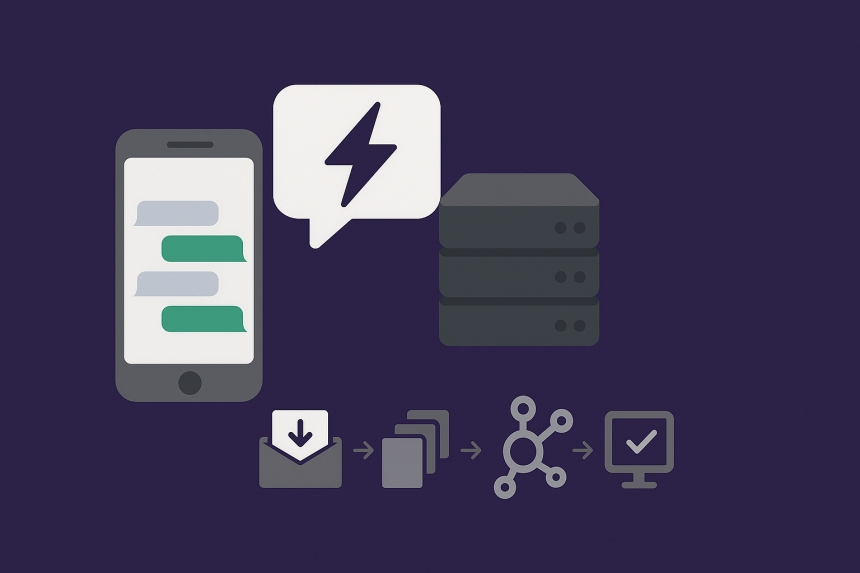
R&D : Designing a Reliable and Lightning Fast Instant Messaging Archit...